Place an Order


Place an Order
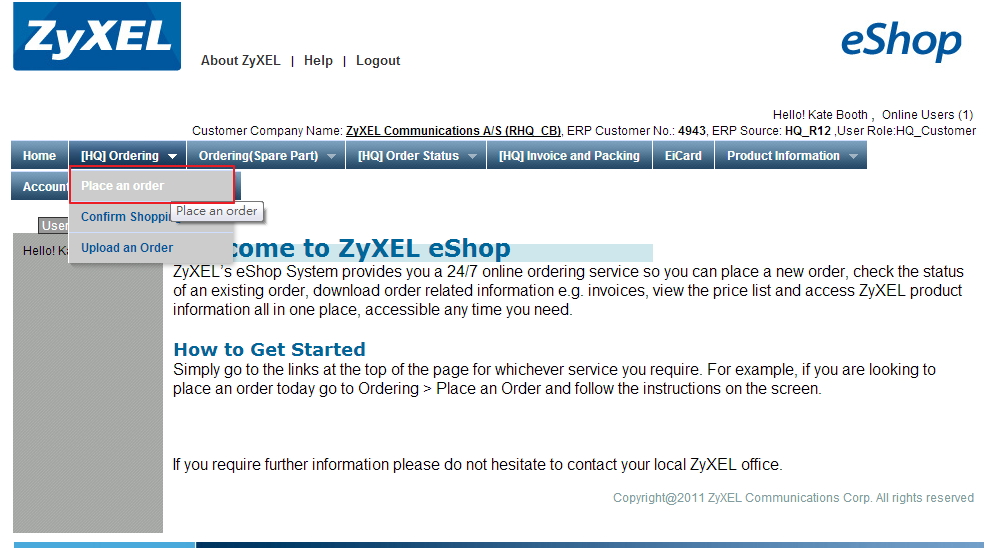
There are 5 steps to check out an order. To direct you go through the process, we have the information on web page which looks like the picture below.
Please find and click on the "Place an Order" options under "Ordering" tab on menu bar.

The dark gray area indicates the current step you are at.
Please follow the introduction below to place an order:
Created with the Personal Edition of HelpNDoc: Free Kindle producer