1. Query Products List


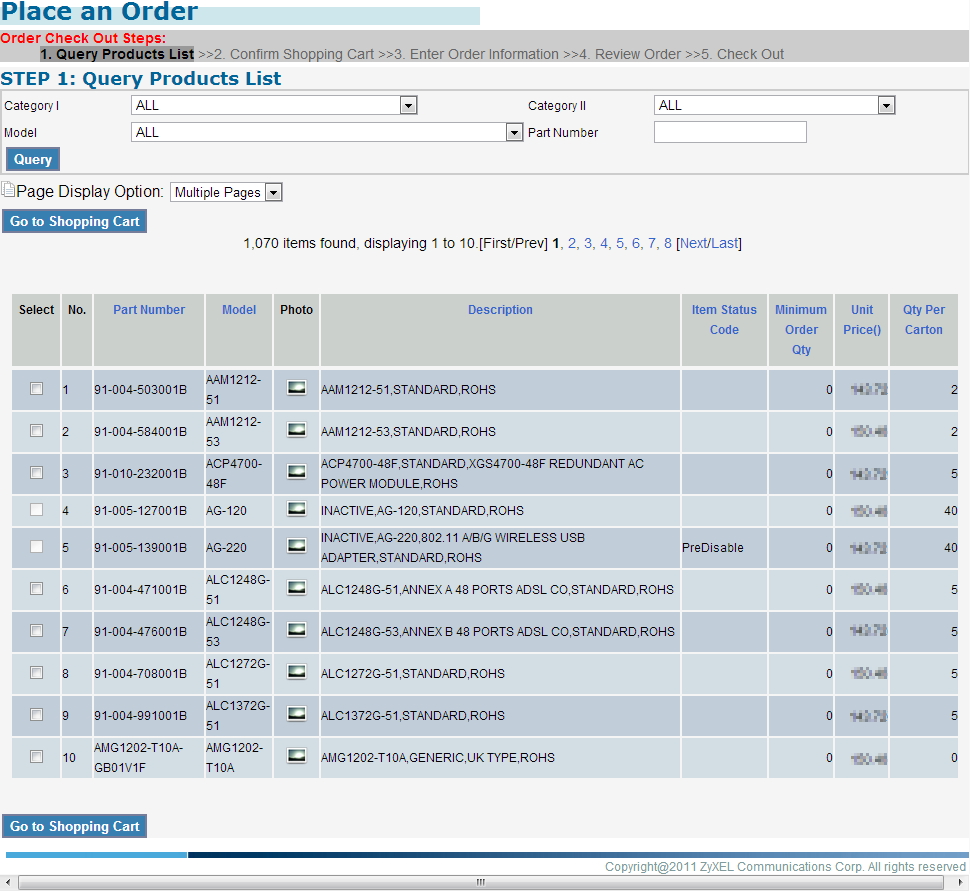
You will see the query product page as the picture below, which contains three types of information.
First is the "Order Check Out Steps" which gives you the idea of what to do to place an order and which step you are currently at.
The second information is a form by which you can search products by category, model, or part number.
The Third information is the list of products searched by the criteria.
It is defaulted to search for all before you enter any criteria. If you want to set criteria, the search will begin right after you select an option.
If you want to search by part number, just enter the number and click the "Enter" button.
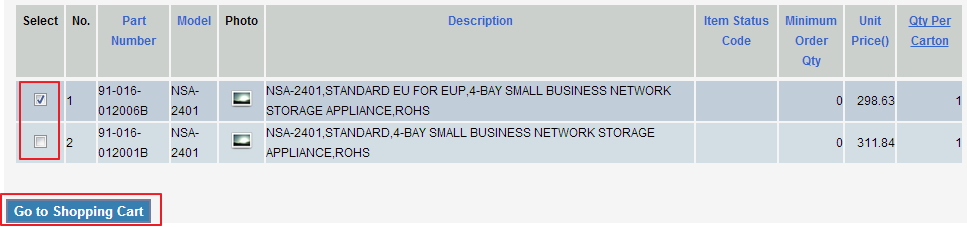
To move to the next step of placing an oder, please select the item you want to purchase by checking the check box. You can check one or multiple check boxes as you want, and then press "Go to Shopping Cart" button.
Created with the Personal Edition of HelpNDoc: Free EBook and documentation generator